
Perplexity Comet Review: An AI Browser That Actually Gets Things Done
Perplexity's Comet browser turns everyday browsing into an assistant that reads pages, compares prices, and drafts emails — when it isn't tripping over unfamiliar sites.
 Photo: Perplexity
Nexoratech Score
out of 10
Perplexity built its name on being a better search engine than Google for anyone who wants a direct, sourced answer instead of ten blue links. Comet is the company's attempt to take that same idea and wrap an entire browser around it, and after two weeks of using it as a daily driver, it's clear Comet is less about replacing Chrome and more about turning the browser itself into an assistant that can act, not just answer.
What Comet actually does
At its core, Comet is a Chromium-based browser with Perplexity's assistant built into the sidebar, able to see and act on whatever page is currently open. Ask it to summarize a long article, compare how different news outlets are framing the same story, or pull the key numbers out of a PDF, and it responds using the actual page content rather than a generic web search — which noticeably improves accuracy on anything time-sensitive.
Research and shopping assistant

Comet's shopping mode is one of its strongest features: point it at a product and ask it to find the same item elsewhere for less, and it will genuinely cross-reference multiple retailers and return a real comparison rather than a list of sponsored links. For research tasks — building a study plan, gathering sources for a report, or fact-checking a claim across several sites — it behaves like a research assistant that already has every relevant tab open, rather than one you have to walk through the process manually.
Email and task automation
Beyond research, Comet can draft email replies, help build a simple website, and generally handle multi-step busywork inside the browser itself. It's genuinely convenient for repetitive tasks, though it's noticeably more reliable on well-structured, mainstream sites than on smaller or unusually designed ones, where it can misclick or get stuck mid-task.
Where it stumbles
Comet is still a young product, and it shows in small ways: page load quirks, occasional confusion about which browser tab it should be acting on, and task automation that sometimes needs a manual restart rather than recovering on its own. None of these are dealbreakers, but they're a reminder that Comet is closer to an ambitious first generation than a fully polished daily driver for everyone.
Pricing and availability

Comet is free to download for Mac, Windows, iOS, and Android, and works with a free Perplexity account, though daily agentic actions are capped on the free tier. Subscribing to Perplexity Pro at $20 a month raises those limits substantially and adds access to more capable underlying models for research tasks, which is where Comet starts to feel less like a novelty and more like a genuine daily tool.
Verdict
Comet is one of the more convincing arguments yet that the browser itself, not just a sidebar extension, is where AI assistants make the most sense — it has access to exactly what you're looking at and can act on it directly. It's not ready to fully replace Chrome for everyone, but for research-heavy work and online shopping, it's already saving real time, and it's only going to get more capable from here.
Pros
- Genuinely useful for comparing how different outlets cover the same story
- Shopping assistant finds competitive prices without manually opening a dozen tabs
- Can draft email replies and organize your inbox directly inside the browser
- Available across Mac, Windows, iOS, and Android with a consistent experience
Cons
- Task automation occasionally stalls on sites with unusual layouts or logins
- Free tier limits daily agentic actions, pushing regular users toward Pro
- Still a young product — expect rough edges compared to a mature browser
Related Stories
 Photo: MMOEXP
MMOEXP Review: Is This Game Currency and Boosting Marketplace Worth It?
MMOEXP covers EA Sports FC 27, Diablo 4, Path of Exile 2, World of Warcraft, and dozens more with gold, items, accounts, and boosting. Here's what it actually sells, how fast delivery is, and the terms-of-service risk worth understanding first.
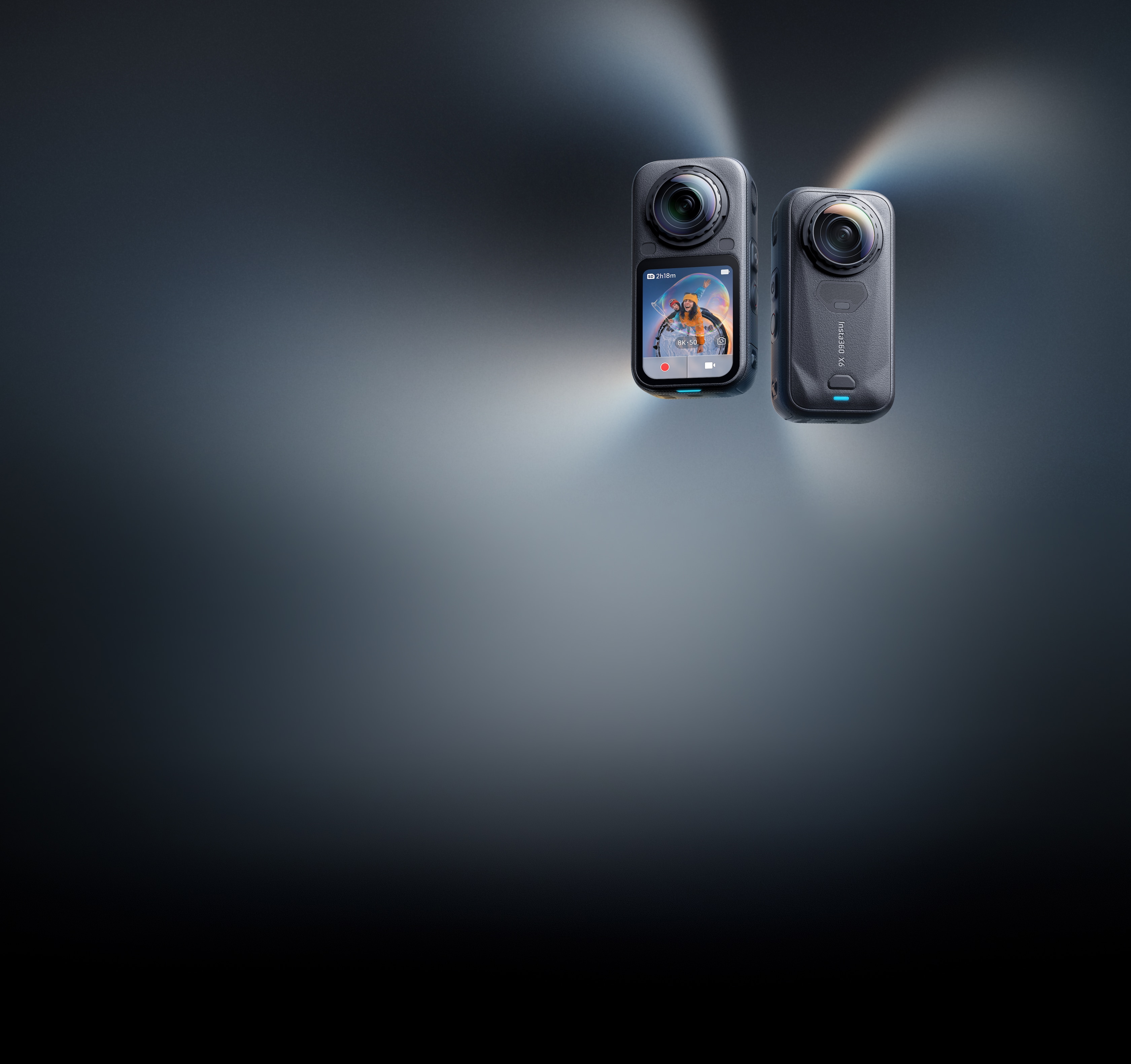 Photo: Insta360
Insta360 X6 Review: The Sharpest 360 Camera Yet, at a Steep $699 Price
The Insta360 X6 brings dual 1/1.1-inch sensors, 8K50fps 360 video, and a triple AI chip that edits your footage for you. We break down the specs, the image quality, and whether it's worth $699.99.
 Photo: Apple Newsroom
iPhone Duo Review: Apple's First Foldable iPhone Arrives at $1,999
The iPhone Duo is Apple's first foldable iPhone, with a 7.6-inch inner display, an A20 Pro chip, a dual battery system, and a $1,999 starting price. Pre-orders open October 16, with shipping starting October 23.